Push Breeze beyond the limits with a premium theme and additional features for more control and capabilities
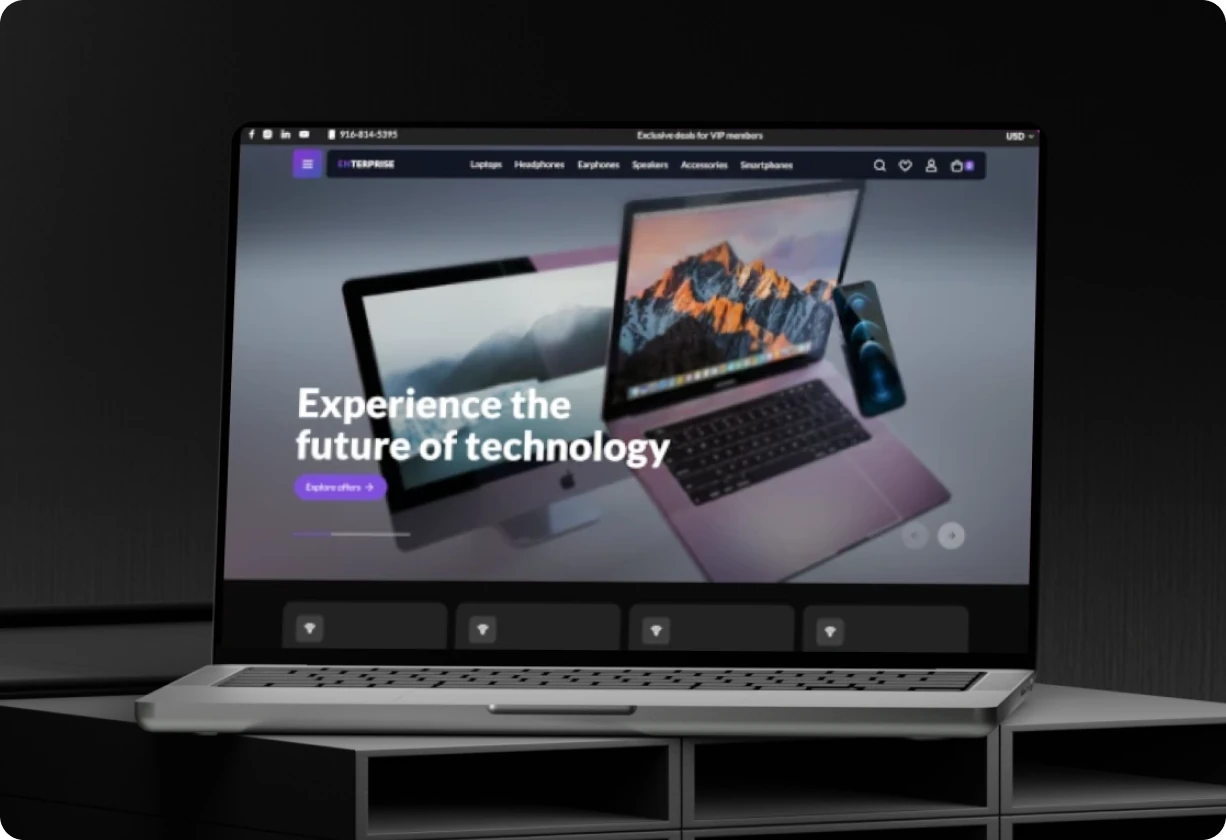
Apollo Theme
Apollo is an example theme included with Breeze Enterprise. It demonstrates how
the system can be used in practice, with prebuilt styles and components ready
to use or adapt. For custom development, Breeze Enterprise Blank serves as the
minimal and clean base.
Theme Editor
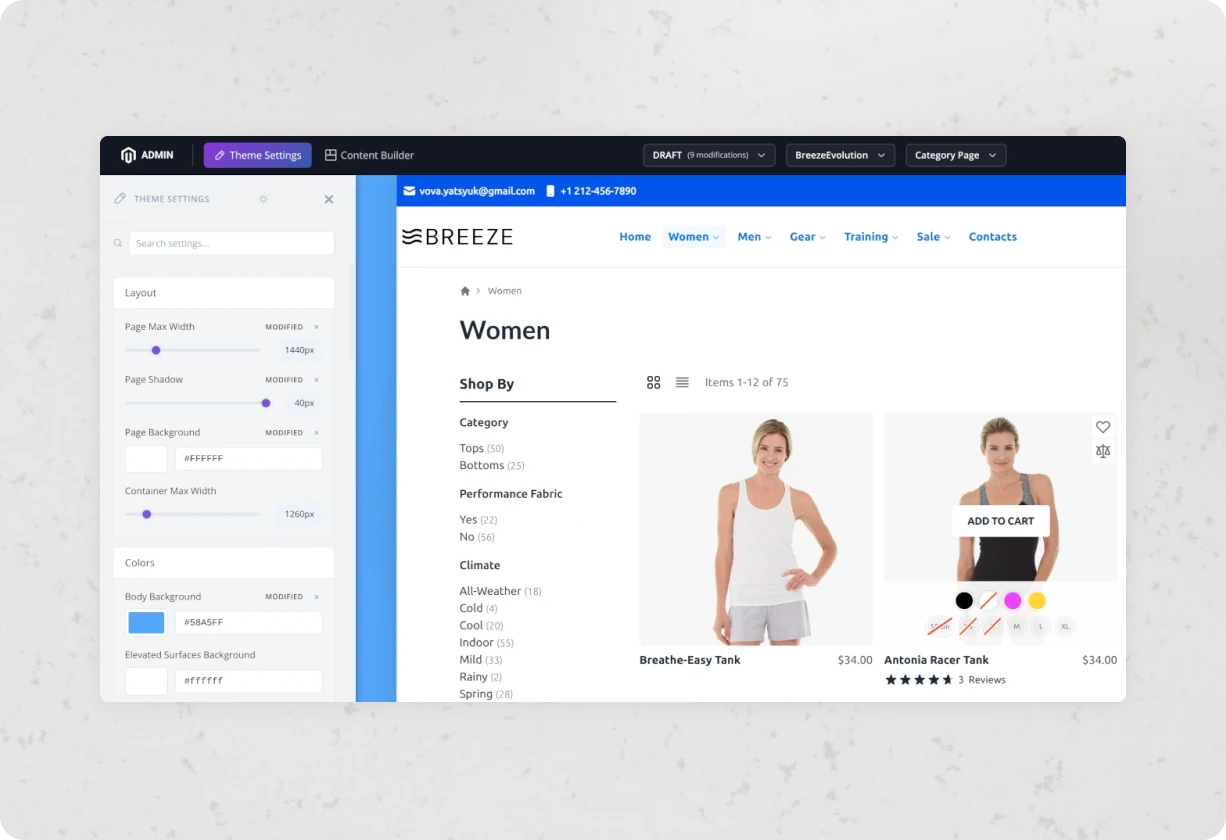
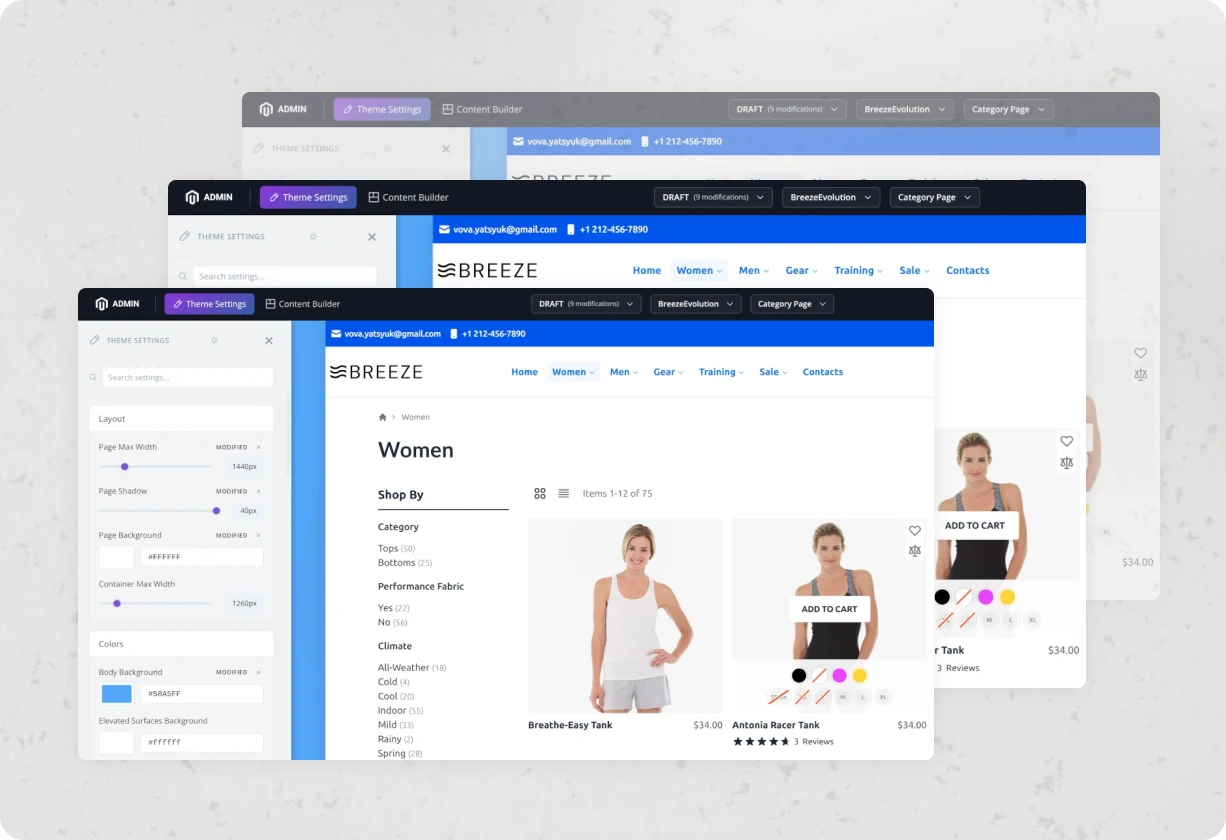
The Theme Editor provides a UI layer for managing design-related settings such
as colors, typography, spacing, and layout options. Most changes are mapped to
CSS variables, so updates can be applied instantly without recompilation or
code changes.
Content Editor
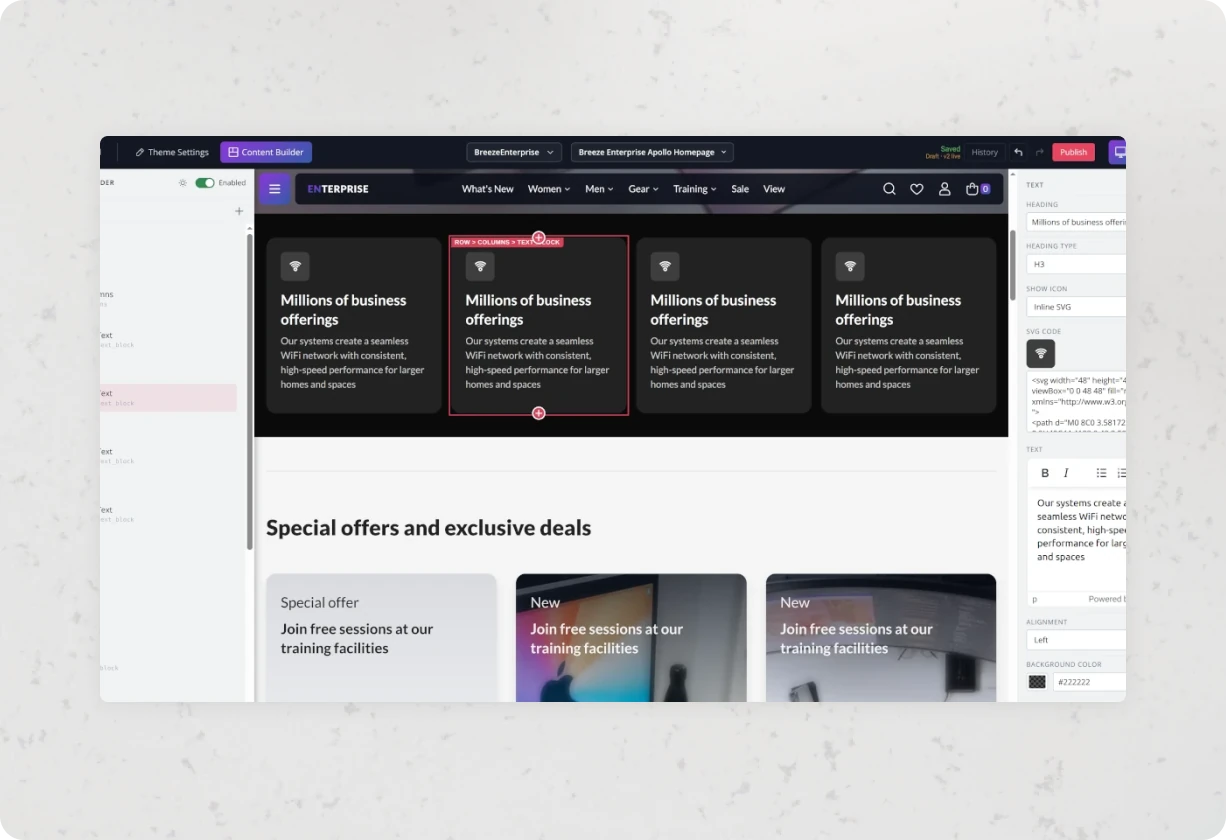
The Content Editor allows you to build pages using predefined sections and
blocks. It covers common layout patterns and reduces the need for custom CMS
templates. The goal is to handle typical content use cases without involving
frontend development.
Future Versions
Breeze Enterprise is actively evolving. Planned improvements include additional
components, more flexible layout controls, and deeper integration with Magento
features. Feedback from developers, agencies, and merchants is used to
prioritise what comes next.
Have a different question and can’t find the answer you’re looking for?
Reach out to us by creating a discussion at GitHub
and we’ll respond to you as soon as we can.
What is Breeze Enterprise?
Breeze Enterprise is an extended version of the Breeze frontend for Magento 2. It adds visual tooling (Theme Editor and Content Builder) on top of the existing lightweight and performance-focused architecture.
How is Breeze Enterprise different from Breeze or Luma?
Compared to Luma, Breeze Enterprise uses a much lighter frontend stack with fewer dependencies and better performance out of the box. Compared to standard Breeze, the Enterprise version includes additional tooling for visual styling and content management, reducing the need for custom frontend development.
What does the Theme Editor actually change?
The Theme Editor allows you to modify design-related variables such as colors, typography, spacing, and layout settings. Changes are applied in real time and typically map to CSS variables, so you don’t need to recompile styles or modify source files.
How does the Content Builder work?
The Content Builder provides a set of predefined sections and layout blocks that can be combined to build pages. It’s intended to cover common use cases like landing pages or homepage layouts without requiring custom CMS templates or frontend code.
Can developers still customise things outside the UI tools?
Yes. Breeze Enterprise does not restrict standard Magento or frontend workflows. You can still override templates, extend components, or add custom logic where needed. The visual tools are optional and sit on top of the existing system.
Does Breeze Enterprise affect performance?
The core Breeze approach remains the same - minimal JavaScript, reduced CSS size, and optimised asset loading. The additional features in Enterprise are designed to avoid introducing heavy dependencies, so performance impact is kept minimal if used correctly.
How do I install or access Breeze Enterprise?
Breeze Enterprise is available as part of an active Swissuplabs subscription. If you already have access, you can install it using the provided package and follow the setup guide. For evaluation, you can request access via the support helpdesk.